
Today in class we set out to add labels to our Gmail accounts to keep everything organized
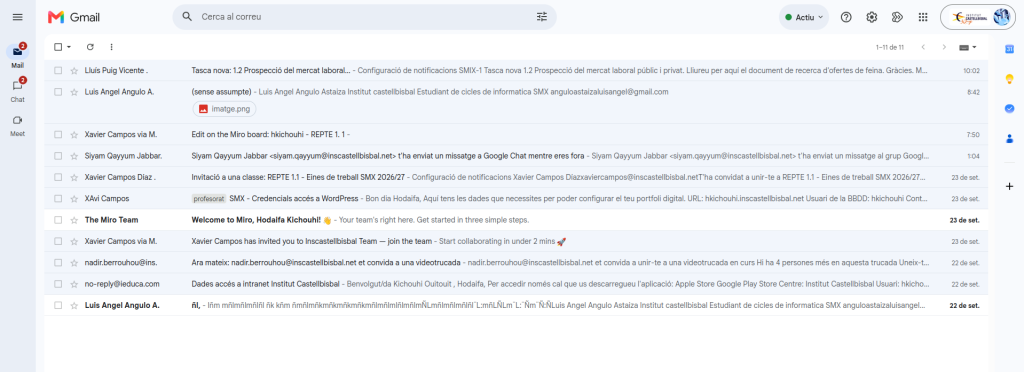
First of all, you need to log into Gmail
Next, go to “SETTINGS”.
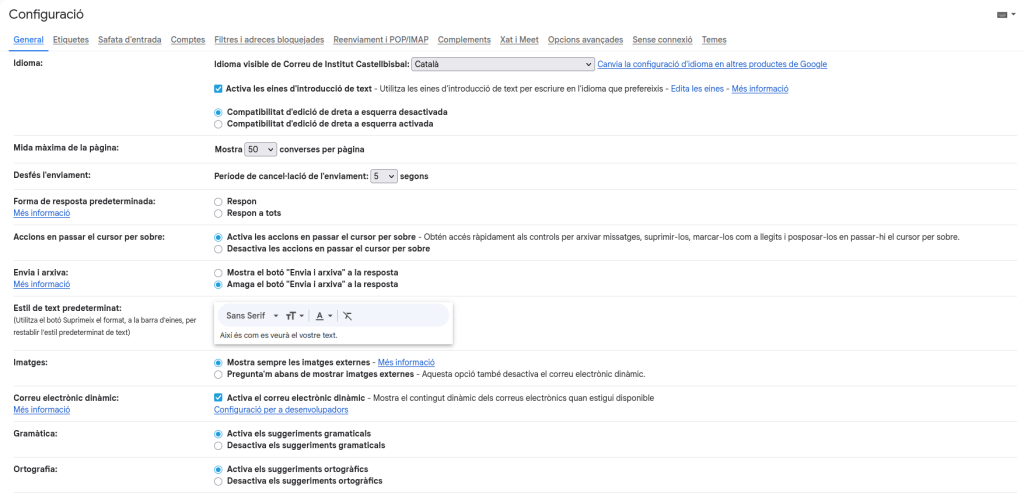
Click on the “LABELS” section.

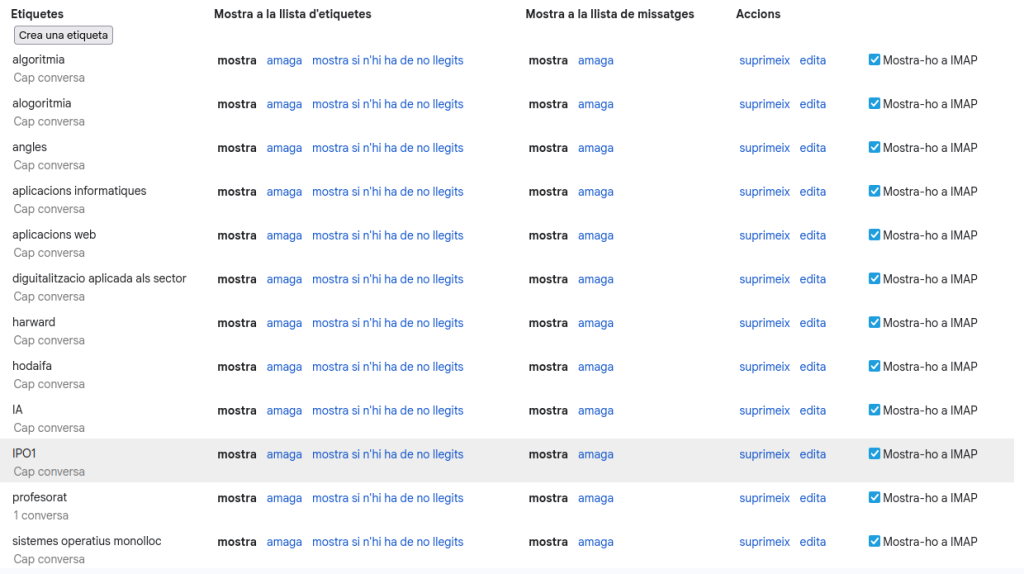
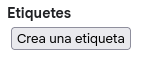
Click on “CREATE A NEW LABEL”.
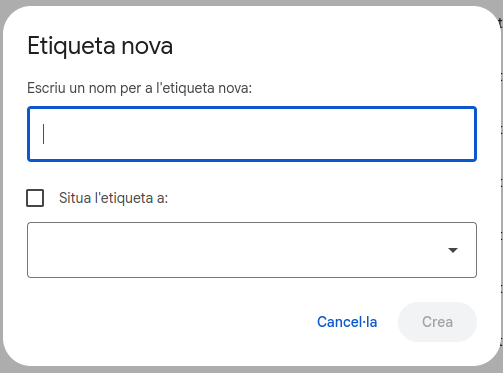
After clicking “NEW LABEL”, we select and type the label we want to create, for example, HODAIFA.
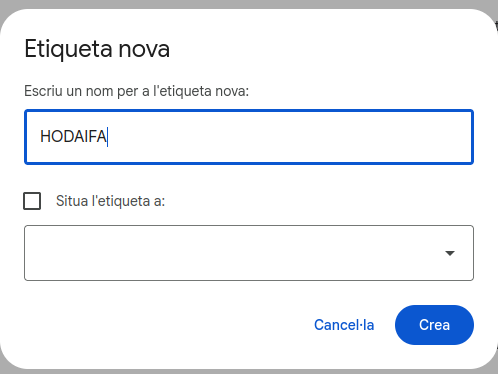
And now the name HODAIFA will appear, so when I receive a personal email (Gmail), I label it with my name.
